
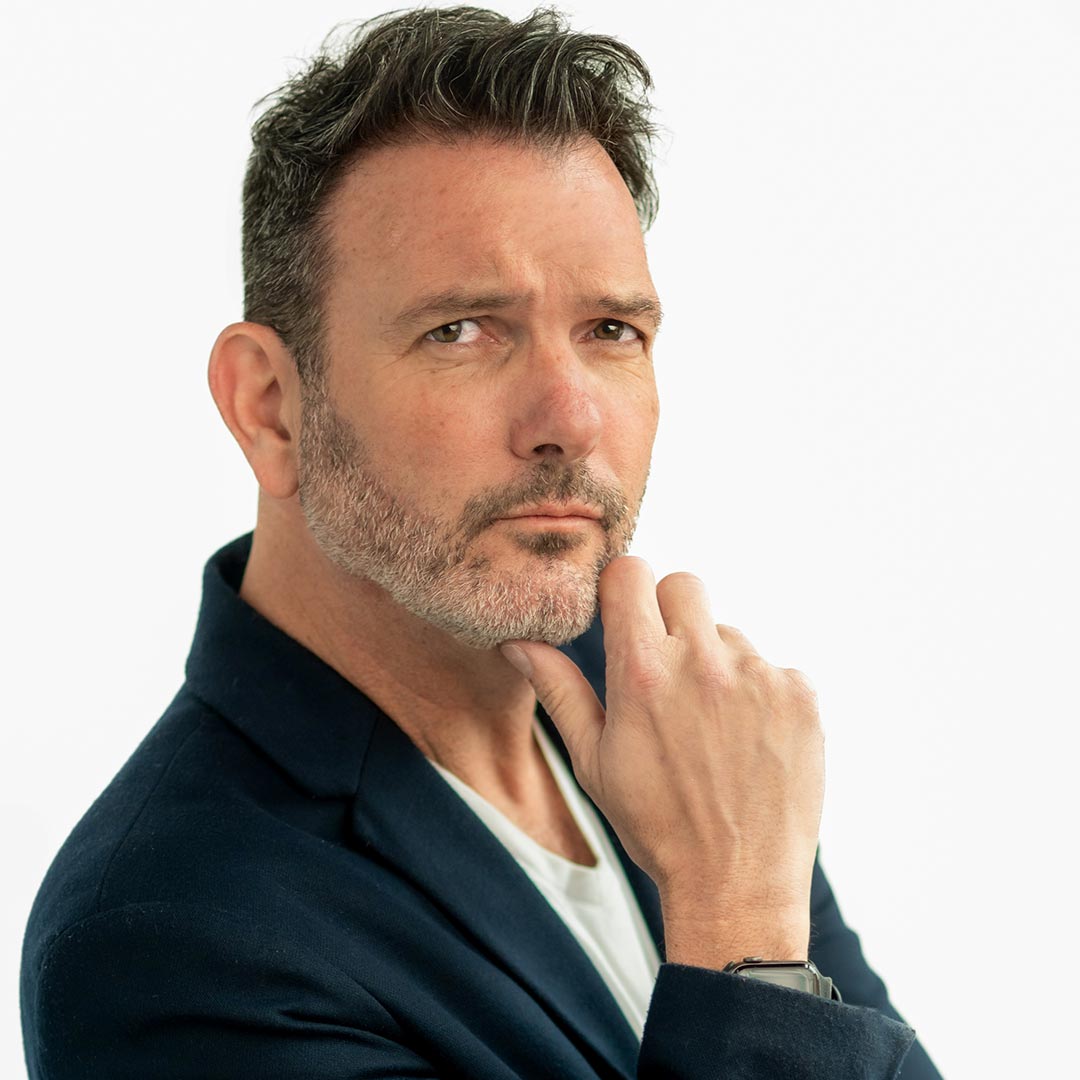
Dan Dalstra
Specialty: Weddings, Seniors
Dan Dalstra is a former newspaper photojournalist that has seamlessly transitioned into the world of full-time wedding and portrait photography. His epiphany came when he realized he could combine his journalistic skills with the delights of dancing and enjoying cake nearly every weekend. His background in journalism has been instrumental in capturing the captivating stories that unfold at each wedding. Based in the Midwest, Dan revels in documenting exuberant and unique weddings, wherever they may be, and creating kick ass senior portraits that kids love and parents buy.
Not just a photographer, Dan is often the life of the party, known for instigating dance-offs with wedding guests while simultaneously capturing some of the most unforgettable moments on the dance floor. His dedication extends beyond photography; Dan is deeply committed to the education and growth of fellow photographers, constantly seeking to enhance their skills as well as his own.
Dan’s personal interests are as diverse and vibrant as his professional ones. He has a fondness for tacos, travel, cycling, craft beer, skinny dipping, and cheeseburgers. Above all, Dan is passionate about creating stunning, lasting images that his clients will cherish for generations to come.
Follow Dan Dalstra:
Dan Dalstra’s Classes:
Class Description:
Let’s level up your Lightroom and Photoshop skills, because editing sucks and you want to get it over with as fast as possible. In this class, I’ll show you how to master those new AI settings in LightRoom and Photoshop and how to streamline your editing, allowing you to spend less time in front of your computer and more time doing the things you love. I’ll show you how to move images from Lightroom into Photoshop to create seamless composites.
Even if you use an AI editing service, you’ll be able to tweak your results faster than ever. We will also go over how to create your own presets so bring your laptops and we can edit files together and help you design your own presets to get you away from the computer and back to any thing other than editing your life away.
What to Bring to Class:
Laptop
Class Description:
In this class, I’ll show you how to use gels to create stunning and unique portraits. We’ll discus color theory and learn which colors complement each other as well as the environment and how to set the mood using gels and light. I’ll show you how to use multiple gels to quickly get different looks and you’ll learn how to quickly change colors for a smooth transition into different set ups. You’ll also learn how to use multiple gels and lights to create cool prism effects and super saturated looks as well as cool backlighting and silhouettes. I’ll show how different modifiers affect the colors and what modifiers work best for different subjects.
What to Bring to Class:
Bring a creative mind and something to take notes with.
Class Description:
Most cameras have a shutter sync speed around 1/200th or 1/250th, which can be limiting when trying to use flash, especially outdoors or in a bright environment. Enter High Speed Sync! It’s an easy way to get faster shutter speeds and help overpower the sun and get some drama into those skies, creating stunning cinematic portraits. I’ll show you how and (more importantly) when to use HSS and we’ll talk about the benefits and some of the drawbacks. You’ll take your flash skills to a whole new level and feel more confident in any situation when you can easily balance bright ambient light with flash, isolate your subject with a narrow depth of field and create incredible images your clients will rave about.
What to Bring to Class:
Bring your camera, flashes and triggers if you have them! There will be some lights and triggers on hand for students to use if the systems are compatible.